
Table of Contents
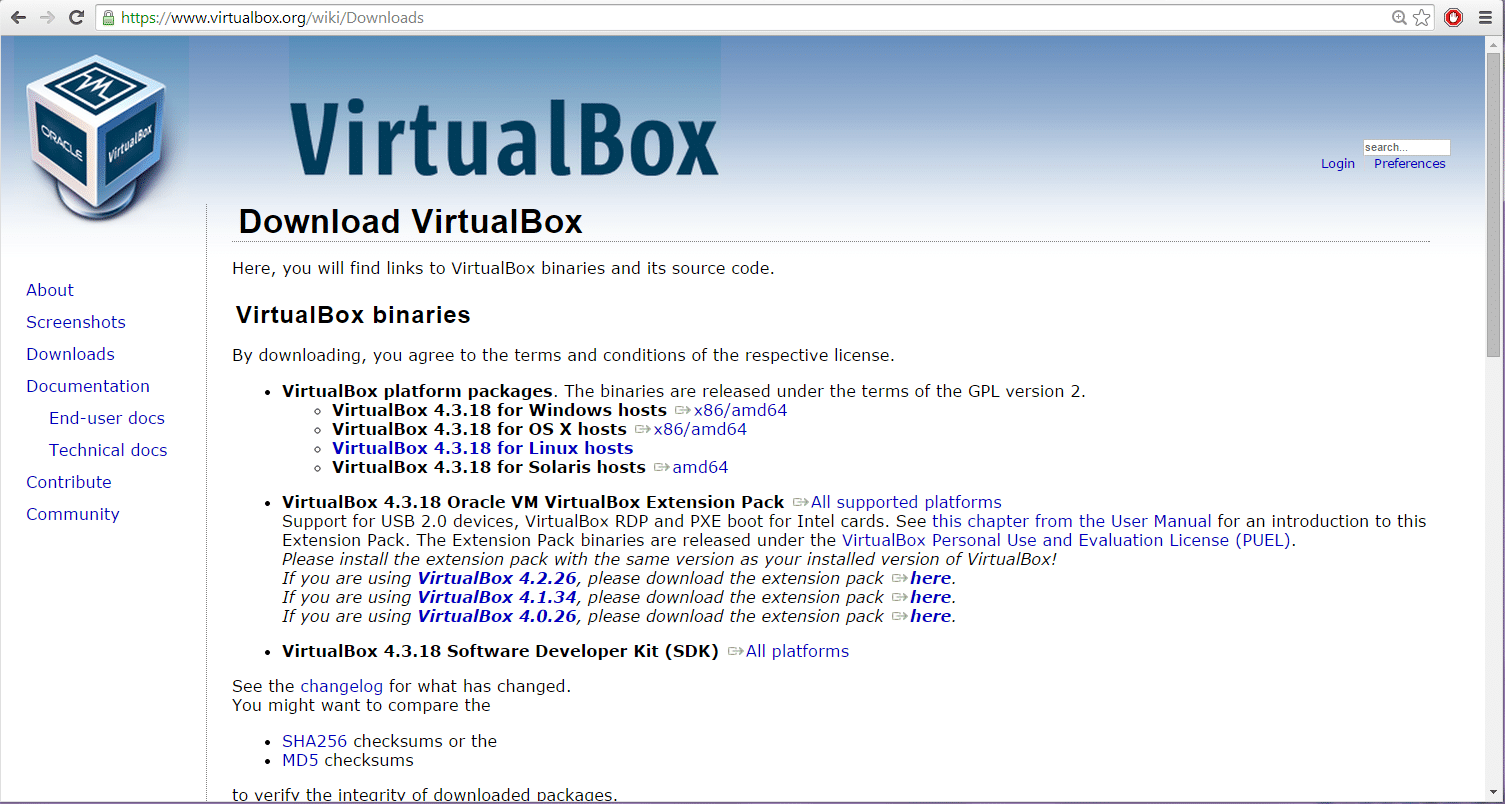
In this article, we will share the direct links to Download Virtualbox for all MAC, Windows, Linux, and Solaris versions.
| Developer: | Oracle (USA) |
| License: | GPL v.2 (free) |
| Version: | 7.0.6/ 6.1.26 (64-bit) / 5.2.44 (32/64-bit) |
| Updated: | 2023 |
| System: | Windows / macOS / Linux / Solaris |
| Interface: | English |
| Rating: |  |
| Category: | Virtual Machines and Emulators |
| Size: | It depends on the Operating System |
About Virtualbox
Oracle VM VirtualBox – a powerful free virtualization system for creating isolated virtual machines with different operating systems for corporate and home users.
What’s new?
New in version 7.0.6 (17.01.2023)
New in version 6.1.26 (29.07.2021)
New in version 5.2.44 (14.07.2020)
New in version 6.0.0 (18.12.2018)
System Requirements
Note. Version 6.1 will remain supported until December 2023.
Supported systems for VirtualBox 7.0.x
Windows 64-bit (host systems):
- Windows 7
- Windows 8
- Windows 8.1
- Windows 10 RTM (1507) build 10240
- Windows 10 November Update (1511) build 10586
- Windows 10 Anniversary Update (1607) build 14393
- Windows 10 Creators Update (1703) build 15063
- Windows 10 Fall Creators Update (1709) build 16299
- Windows 10 April 2018 Update (1803) build 17134
- Windows 10 October 2018 Update (1809) build 17763
- Windows Server 2008 R2
- Windows Server 2012
- Windows Server 2012 R2
- Windows Server 2016
- Windows Server 2019
macOS 64-bit (host systems):
- 10.12 (Sierra)
- 10.13 (High Sierra)
- 10.14 (Mojave)
Linux 64-bit (host systems):
- Ubuntu 16.04 LTS, 18.04 LTS and 18.10
- Debian GNU/Linux 9 (“Stretch”)
- Oracle Linux 6 and 7
- Redhat Enterprise Linux 6 and 7
- Fedora 28 and 29
- Gentoo Linux
- SUSE Linux Enterprise Server 12 and 15
- openSUSE Leap 42.3 and 15.0
Oracle Solari 64-bit (host systems):
- Oracle Solaris 11
Detailed Description
Oracle VM VirtualBox is a feature-rich tool for creating isolated virtual machines, offers high performance, and is also the only professional solution that is freely available with open-source code under the terms of the GNU General Public License (GPL) v.2.
VirtualBox supports many guest OPERATING systems, including but not limited to Windows (NT 4.0, 2000, XP, Server 2003, Vista, Windows 7), DOS/Windows 3.
x, Linux (2.4 and 2.6), Solaris and OpenSolaris, OS/2, and OpenBSD.
VirtualBox is actively developing with frequent updates and has an ever-growing list of features, supported guest operating systems, and platforms with which it works.
VirtualBox is the result of teamwork with the support of dedicated companies: everyone is invited to contribute, while Oracle ensures that the product meets professional quality criteria.
VirtualBox Extension Pack Features
Extension Pack adds new valuable features to the popular VirtualBox virtualization solution.
– The set of add-ons includes a USB 2.0 controller (EHCI), which, for example, will allow you to improve the performance of your USB 2.0 devices.
– You will also get VirtualBox Remote Desktop Protocol (VDRP) support.
Essentially, it allows you to run a virtual machine on one computer, and you view and manage it from another.
– Extension Pack also includes support for remote computer boot via Intel PXE boot ROM emulation with support for the E1000 network card.
All these features require a separate installation of the package with the extension “vbox-extpack” on top of VirtualBox (go to the “Useful links” section for download).
Close VirtualBox, download and run the VirtualBox Extension Pack installation file, and VirtualBox will run the add-on and install it, updating any earlier versions that may have been installed.
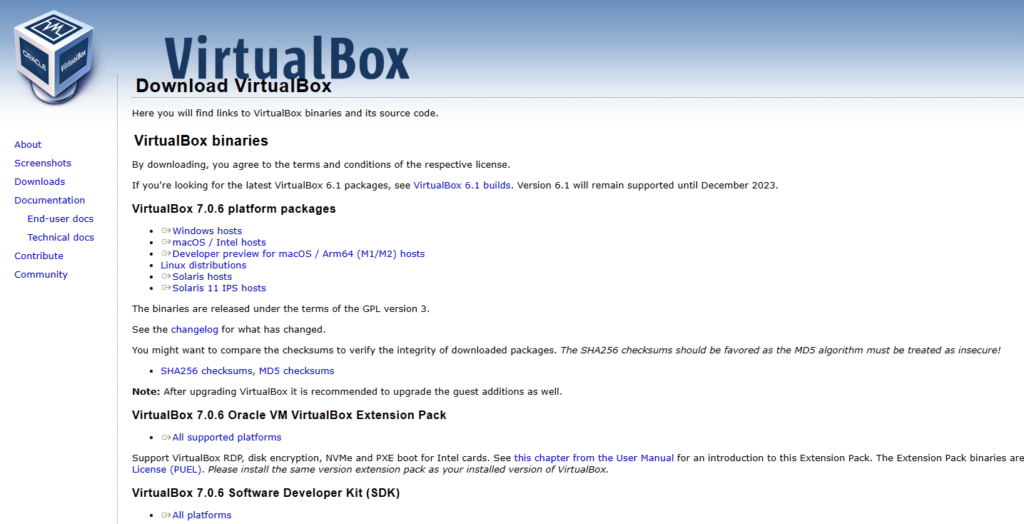
Download VirtualBox 7.0.6
- Windows hosts
- macOS / Intel hosts
- Developer preview for macOS / Arm64 (M1/M2) hosts
- Linux distributions
- Solaris hosts
- Solaris 11 IPS hosts
Download VirtualBox 7.0.6 Oracle VM VirtualBox Extension Pack
Download VirtualBox 7.0.6 Software Developer Kit (SDK)
Download VirtualBox 6.1
Download VirtualBox 6.1 – 64-bit
- VirtualBox 6.1.26 Windows 64-bit (103 MB)
- VirtualBox 6.1.26 MacOS 64-bit (119 MB)
- VirtualBox 6.1.26 Linux 64-bit
- VirtualBox 6.1.24 Solaris 64-bit (117 MB)
- VM VirtualBox Extension Pack (10.6 MB)
Download VirtualBox 5.2 – 32-bit
- VirtualBox 5.2.44 Windows (105 MB)
- VirtualBox 5.2.44 MacOS 64-bit (87.2 MB)
- VirtualBox 5.2.44 Linux 64-bit
- VirtualBox 5.2.44 Solaris 64-bit (89.8 MB)
- VM VirtualBox Extension Pack (25.5 MB)
Other Builds:
- VirtualBox 5.2
- VirtualBox 5.1
- VirtualBox 5.0
- VirtualBox 4.3
- VirtualBox 4.2
- VirtualBox 4.1
- VirtualBox 4.0
Now you can follow this guide to install Virtualbox.
Conclusion: Download Virtualbox
I hope you were able to Download Virtualbox on your system. If you face any issues, please comment below.


1 Comment
thx