Table of Contents
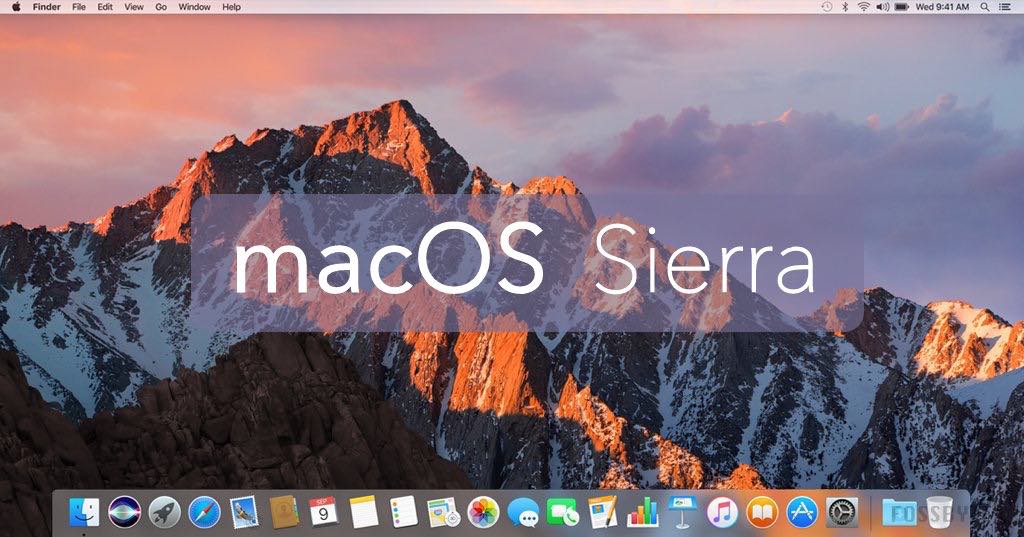
In this article, we will share the links to Download macOS Sierra DMG.
macOS Sierra is the thirteenth major release of Apple’s desktop operating system, succeeding OS X El Capitan. It was released on September 20, 2016, and introduced several new features and improvements to the macOS platform.
One of the most notable new features in macOS Sierra is Siri integration. With this update, Siri became available on the Mac for the first time, allowing users to interact with their computer using natural language commands. This feature can be particularly useful for setting reminders, sending messages, and searching the web.
Another critical improvement in macOS Sierra was an optimized storage feature. This feature helps to free up space on your Mac by automatically removing unnecessary files, such as old documents and unused applications. Additionally, the feature can move infrequently used files to iCloud, allowing you to access them when needed without taking up valuable space on your Mac.
Installing macOS Sierra 10.12
First, you need to back up your essential files on your Mac by uploading them to iCloud or an external drive. Afterward, go to the Apple Beta Program website and log in with the Apple ID you use on your device.
Enroll your Mac device in Public Beta for macOS by clicking the “Register your Mac” link in the Getting Started section. You’ll receive a verification code that only works for your Apple ID and can only be used on the Mac with this ID.
Then, you need to open the App Store app and redeem the code. If you don’t know how to do this, click the “Redeem Code” link, and the macOS Sierra 10.12 Public Beta installer will start downloading in the background process, which will take some time because the distribution size exceeds 6 gigabytes.
You will be prompted to install macOS Sierra on your Mac when the download is complete. Follow the instructions to install macOS Sierra 10.12 Public Beta. Note that your Mac will reboot several times to complete the OS installation. That’s it. Once successfully installed, you will automatically receive future Public Beta updates through the App Store.
Download macOS Sierra DMG
Suppose you are looking for a specific version you cannot find on our website. You can use this guide to Download Specific macOS Versions. Once you have downloaded the installer file, you can use this guide to convert macOS Installer File to DMG.
This article will provide an overview of macOS Sierra DMG and how it works. We will also discuss its benefits and drawbacks compared to other formats like ISO, IMG, MDF, etc.
Download macOS Sierra DMG by techrechard.com
Here’s a tool that will help you speed up the download – the Internet Download Manager tool. It helps break big downloads into more manageable chunks while also speeding up the total process.
Download macOS Sierra DMG (Google Drive)
Please click the link below to learn how to get around the Google Bandwidth limit error.
You can also read: How To Install MacOS Sierra On VirtualBox On Windows (Using VMDK): 8 Step Ultimate Guide – TechRechard
Conclusion:
I hope you were able to download MacOS Sierra DMG easily. If you face any issues, you can comment down below.