Table of Contents
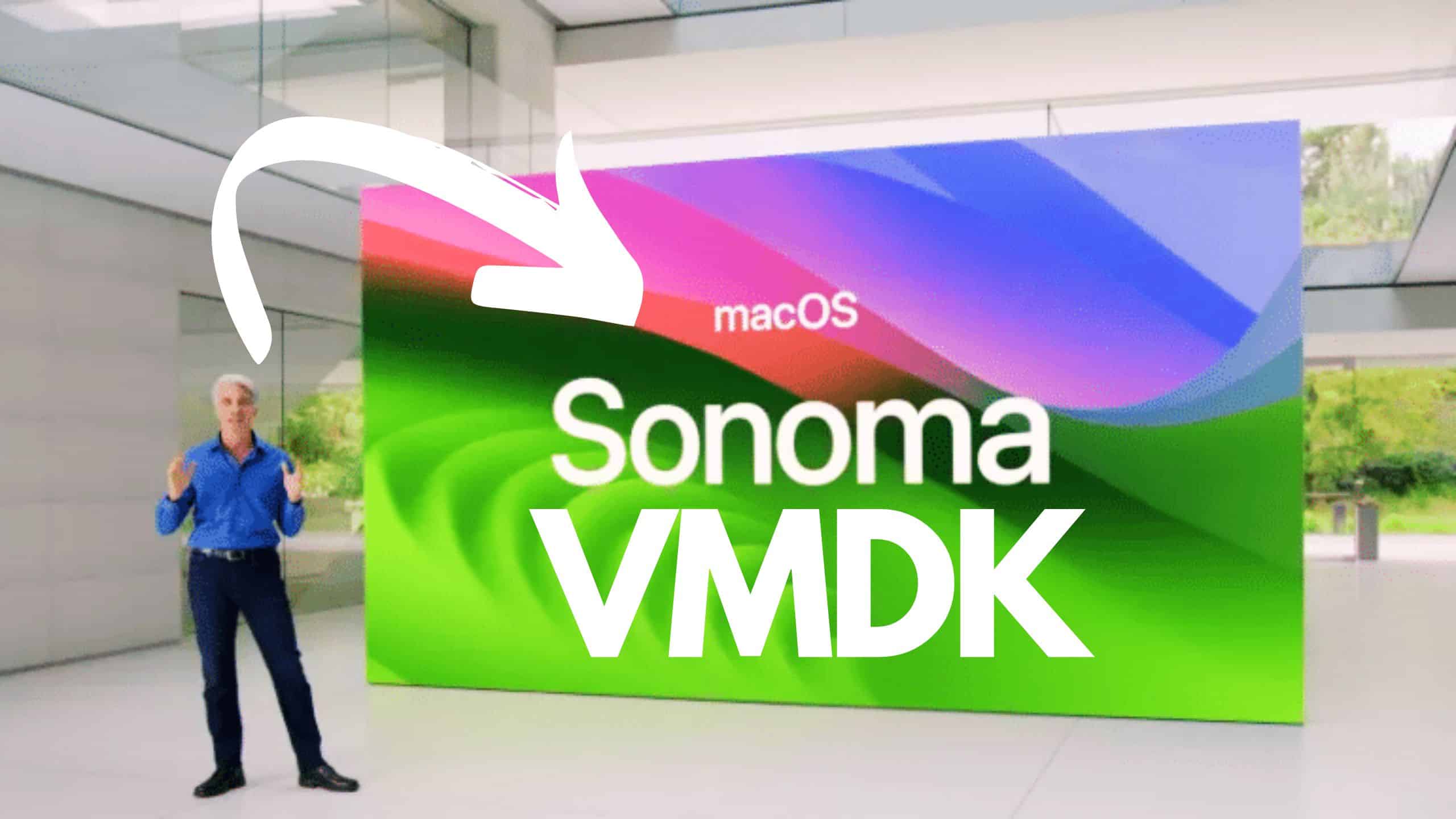
In this article, we will share direct links to Download macOS Sonoma VMDK file for Virtualbox and VMWare. You can use macOS Sonoma VMDK file to install macOS Sonoma on Virtualbox and VMWare directly. You can find links to these guides below.
What is macOS Sonoma .VMDK file?
A VMDK (Virtual Machine Disk) file is a type of file format used to store the virtual hard drive of a virtual machine. It encapsulates the operating system, installed programs, and user data within a single file.
VMDK files are primarily associated with VMware products and are used to store the contents of a virtual machine’s hard drive. This includes the complete files, directories, and data comprising the virtual machine’s operating system and installed applications.
In addition to VMware products, VMDK files can be used with other virtualization software such as VirtualBox or Parallels Desktop. These software platforms allow users to create and manage virtual machines, using VMDK files to represent the virtual hard drives within those virtual machines.
Overall, a VMDK file serves as a container for the virtual disk of a virtual machine, holding the necessary data and files required for the functioning of the virtual machine’s operating system and applications.
If you are looking for all the guides related to macOS Sonoma, visit this link.
Download macOS Sonoma .VMDK
The macOS Sonoma VMDK file serves a similar purpose as the ISO file but comes pre-installed. It is used to run macOS Sonoma on VirtualBox or install macOS Sonoma on VMWare. These virtualization software platforms provide the flexibility to run different operating systems of your choice on various systems.
Download macOS Sonoma .VMDK
Now, you can use this macOS Sonoma VMDK file to-
Video Tutorials
Frequently Asked Questions:
Q: What is the file size of macOS Sonoma .VMDK?
A: The macOS Sonoma VMDK file is approximately 26.62 GB.
Q: Where is the macOS Sonoma .VMDK file stored?
A: The macOS Sonoma VMDK file is stored on Google Drive. You can download it from there.
If you encounter a Google Drive Quota Exceeded Error, refer to this guide: “Fix Google Drive Download Limit (Quota Exceeded) Error: 2 Methods tested in 2022.“
Q: How can I increase the download speed of the macOS Sonoma .VMDK file?
A: Given that the macOS Sonoma VMDK file is around 26.62 GB, having a faster internet connection will help enhance the download speed. You can utilize the Internet Download Manager (IDM) tool to optimize your download speed. You can download the full version from the following source:
Link: Download IDM 6.27 Build 2
Following these suggestions can enhance your download experience and efficiently obtain the macOS Sonoma VMDK file.
Q. I am using the macOS Sonoma .VMDK file. What is the password for the account “Vaibhav Gupta”?
A: The password for my account is techrechard.com.
Conclusion:
In conclusion, we hope you have successfully downloaded the macOS Sonoma VMDK file. If you encountered any difficulties during the download or have any further questions, please feel free to leave a comment below. Our team is here to assist you and address any concerns.
We understand the importance of a seamless download experience and strive to provide the necessary support to ensure your satisfaction. Your feedback is valuable to us, and we appreciate your engagement.
Thank you for choosing macOS Sonoma, and we look forward to assisting you further as you explore and utilize the functionalities of the macOS Sonoma VMDK file.