Table of Contents
In this article, we will share the direct links to download macOS High Sierra VMDK for VMware and VirtualBox.
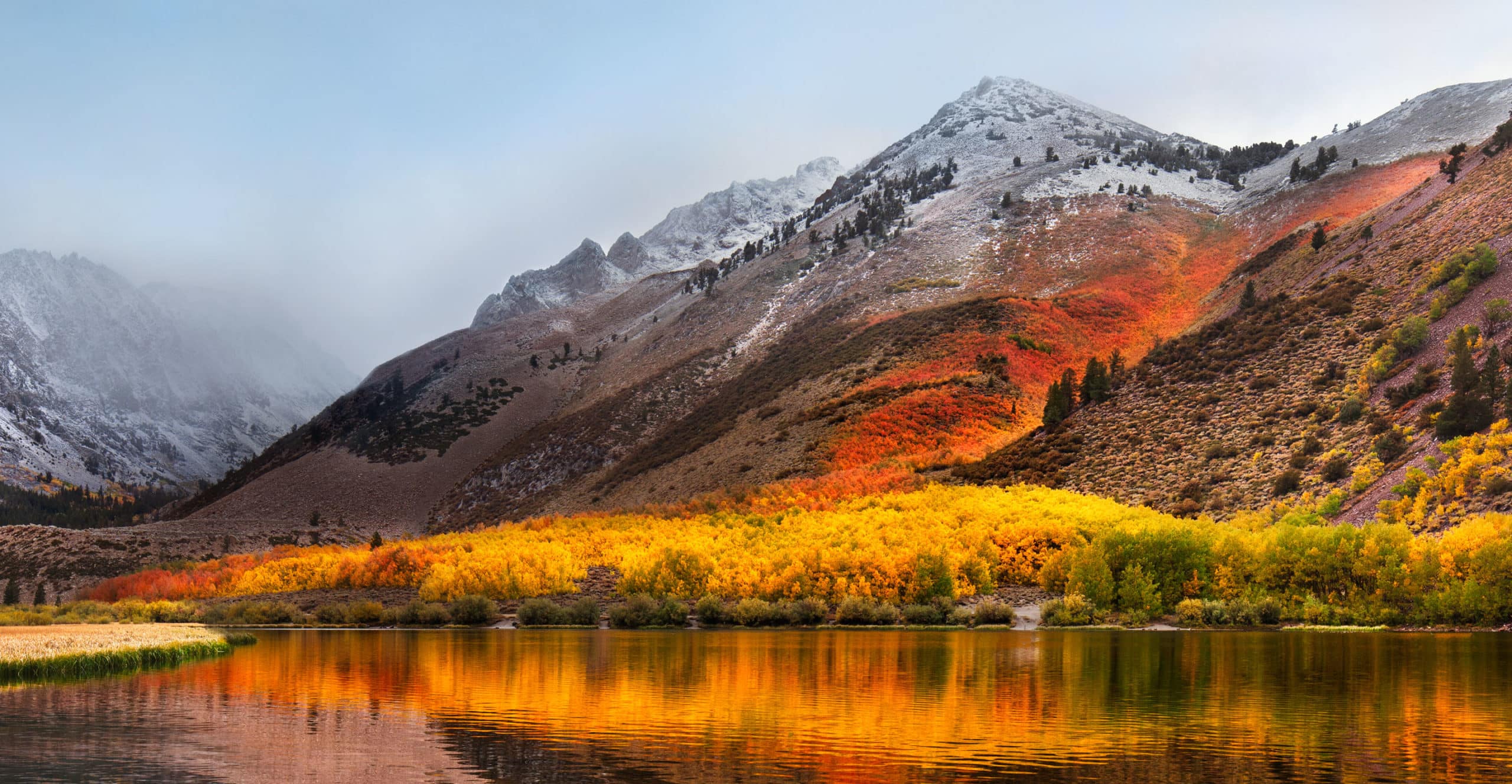
macOS High Sierra is the 14th major release of Apple’s desktop operating system. It was released on September 25, 2017, and introduced several new features and improvements, including the Apple File System (APFS) and support for High-Efficiency Video Coding (HEVC). If you are a Mac user or a virtual machine enthusiast, you may be interested in downloading the macOS High Sierra VMDK.
Apple has announced that it will add several new features to the macOS High Sierra. The update includes several new features and changes. Some of these updates are improvements to existing features, while others are entirely new additions. These include updates to Safari, Photos, Mail, Messages, Notes, Spotlight Search, and Finder, among other things.
The macOS High Sierra also offers some refinements in security for Apple’s users with an updated FileVault feature that encrypts data on their Macs with no need for passwords or recovery keys when they log in to their accounts.
What is VMDK?
VMDK stands for Virtual Machine Disk, a file format used by virtual machine software, such as Oracle VM VirtualBox, VMware Workstation, and VMware Fusion, to store virtual hard disk images. VMDK files contain the entire contents of a virtual machine’s hard drive. They can be used to create a new virtual machine or to transfer a virtual machine between different virtualization software.
The macOS High Sierra VMDK for VMware & VirtualBox is a virtual machine disk file that can be imported into VMware or VirtualBox to create a virtual machine.
Download macOS High Sierra VMDK for VMware & VirtualBox
VirtualBox and VMware are virtualization software that allows you to run a virtual machine on your computer. A virtual machine is a software simulation of a physical computer system. Installing macOS High Sierra in VirtualBox or VMware allows you to test the operating system before upgrading your Mac.
When you download macOS High Sierra VMDK for VirtualBox or VMware, it will be in the form of an image file. It is not an installer but rather a file that contains all the files for macOS High Sierra and can be used to create a new virtual machine.
Download macOS High Sierra VMDK (Mega.NZ)
Download macOS High Sierra VMDK (Mediafire)
The macOS High Sierra VMDK file is around 9.58GB, so you need a good internet connection to download the Download macOS High Sierra VMDK file. So, here is a tool that you can use to speed up the download process. Internet Download Manager tool that will help you enhance your downloading speed. You can download the full version here.
Now you can use the following guides:
Install MacOS High Sierra On VirtualBox On Windows (Using VMDK)
Install macOS High Sierra on VirtualBox on Windows PC (Using ISO)
Install macOS High Sierra on unsupported Mac?
Conclusion:
I hope you were able to Download macOS High Sierra VMDK for VMware & VirtualBox. If you face any issues, please comment below.
In conclusion, the macOS High Sierra VMDK is a useful file format for virtual machine enthusiasts who want to run macOS High Sierra on a virtual machine. Following the steps outlined above, you can download and convert the macOS High Sierra DMG file to a VMDK file and use it to create a virtual machine using virtualization software such as Oracle VM VirtualBox or VMware Workstation. However, it is essential to note that running macOS on a virtual machine may violate Apple’s terms and conditions, so it is essential to check the legalities before proceeding with the installation.