


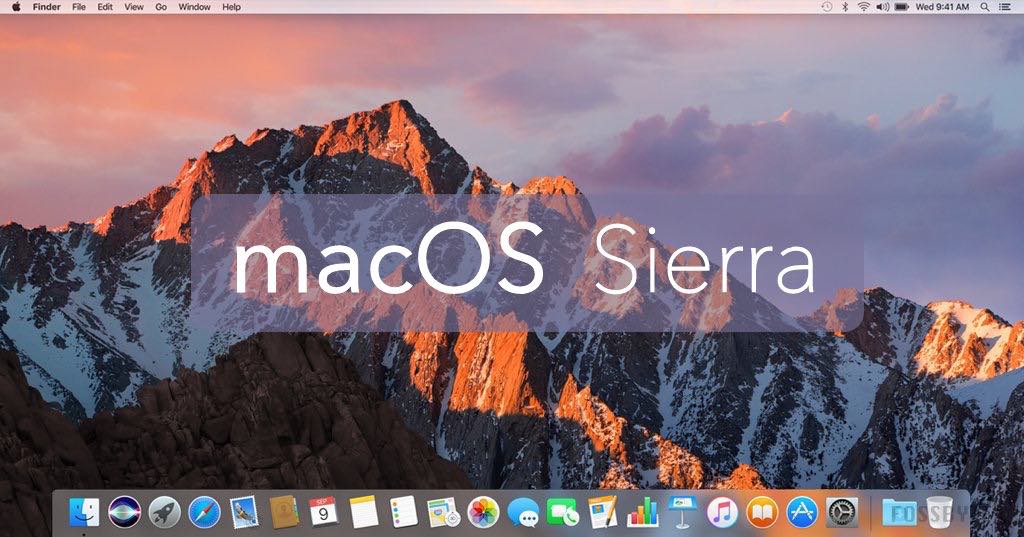
The macOS Sierra VMDK is a virtual machine for VMware and VirtualBox. It comes with the latest version of macOS Sierra 10.12.
The macOS Sierra is an operating system developed by Apple Inc. for use on Mac computers. It was released worldwide on September 20, 2016. The macOS Sierra features Siri for Mac, a new way to organize files with the new iCloud Drive app, and a Universal Clipboard that lets you copy and paste between iOS devices and Macs.
The macOS Sierra offers a variety of new features that make it easier to work with files and documents without having to leave the applications you’re using. It also includes a smarter search function that will find content in your emails, messages, photos, notes, contacts, and other places on your computer or iCloud account.
Apple released macOS Sierra back in 2016 for Mac. This article will go through the process of installing macOS Sierra on a virtual machine running VMware Workstation 12. This can be done by using either the macOS Sierra ISO file or macOS Sierra VMDK file.
This article will show you how to download and install macOS Sierra for either VMware or VirtualBox.

Download macOS Sierra VMDK for Virtualbox and VMWare
This article will show you how to download macOS Sierra VMDK so that you can install it on your virtual machine.
First, you need to download the macOS Sierra VMDK file. You can do so by clicking on the link below.
Download macOS Sierra VMDK for Virtualbox
Download macOS Sierra VMDK for VMWare
Here’s a tool that will help you speed up the download – the Internet Download Manager tool. It helps break big downloads into more manageable chunks while also speeding up the entire process.
Once you have downloaded the macOS Sierra VMDK file, open VirtualBox and click on New in order to create a new virtual machine. Give it a name and select Mac OS X as the type of operating system. Then, click Next and select Mac OS X 10.12 (Sierra) as the version of Mac OS X that you want to install. Finally, click Next again and choose where to save the virtual disk image file for your new virtual machine. You can read the complete guide here: How To Install macOS Sierra On VirtualBox On Windows (Using VMDK): 8 Step Ultimate Guide
Conclusion:
We hope you’ve downloaded the latest macOS Sierra VMDK file from this article. In future updates, we will always try to give you the latest version of the VMware VM kit.
We value your feedback and we will do our best to provide you with content that satisfies your needs. In the meantime, if you have any comments or suggestions for any new articles, don’t hesitate to let us know in the comment section below.